Appearance
Customization
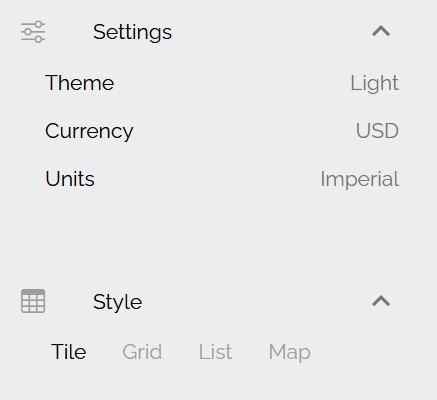
Users can customize our portal through Settings and Styles.
System defaults: Dark theme, US Dollars and Imperial Units, however, once user make changes, system will rememeber choosen preference.
Themes
There are three themes available:
- Dark
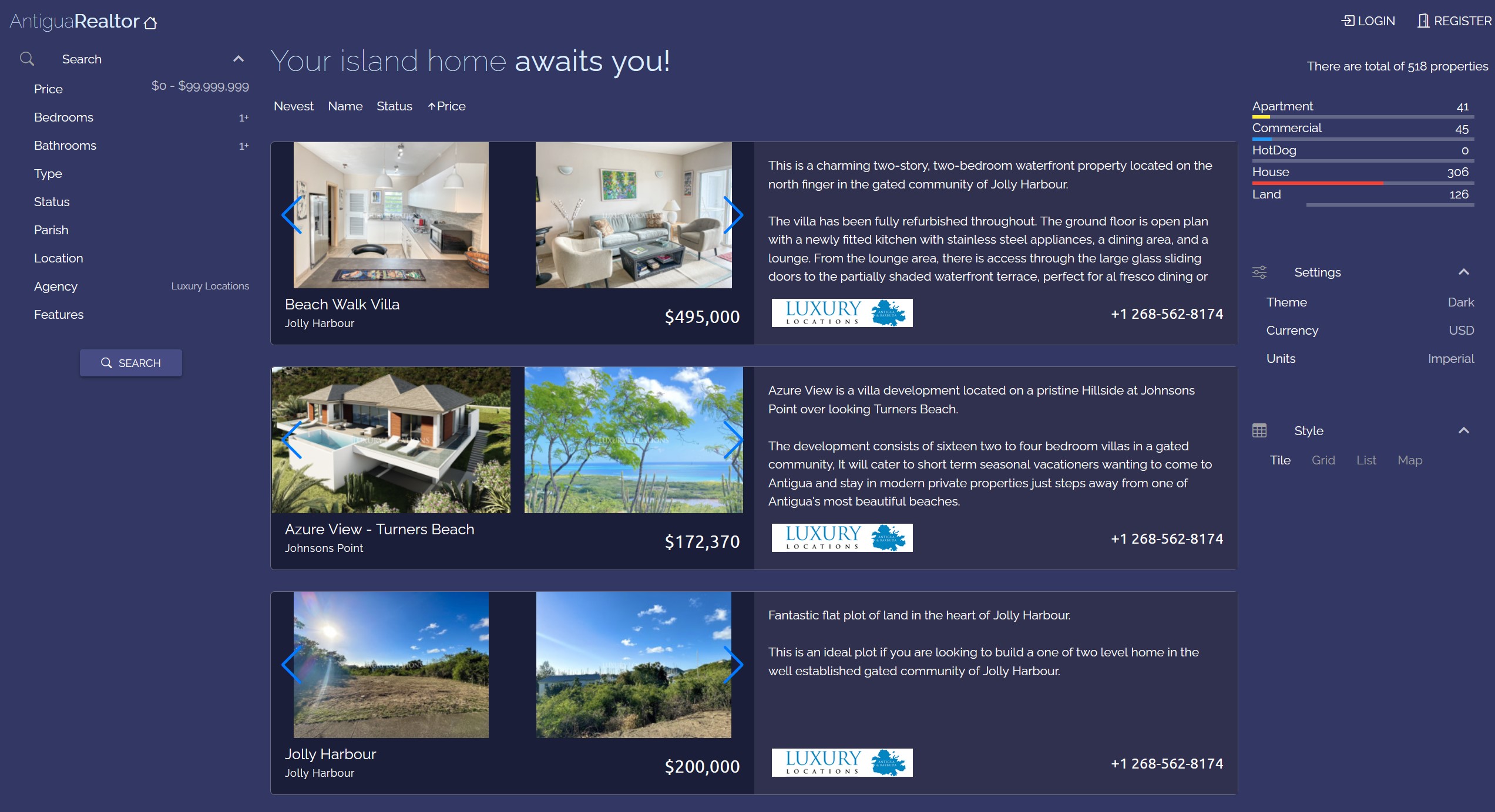
- Light
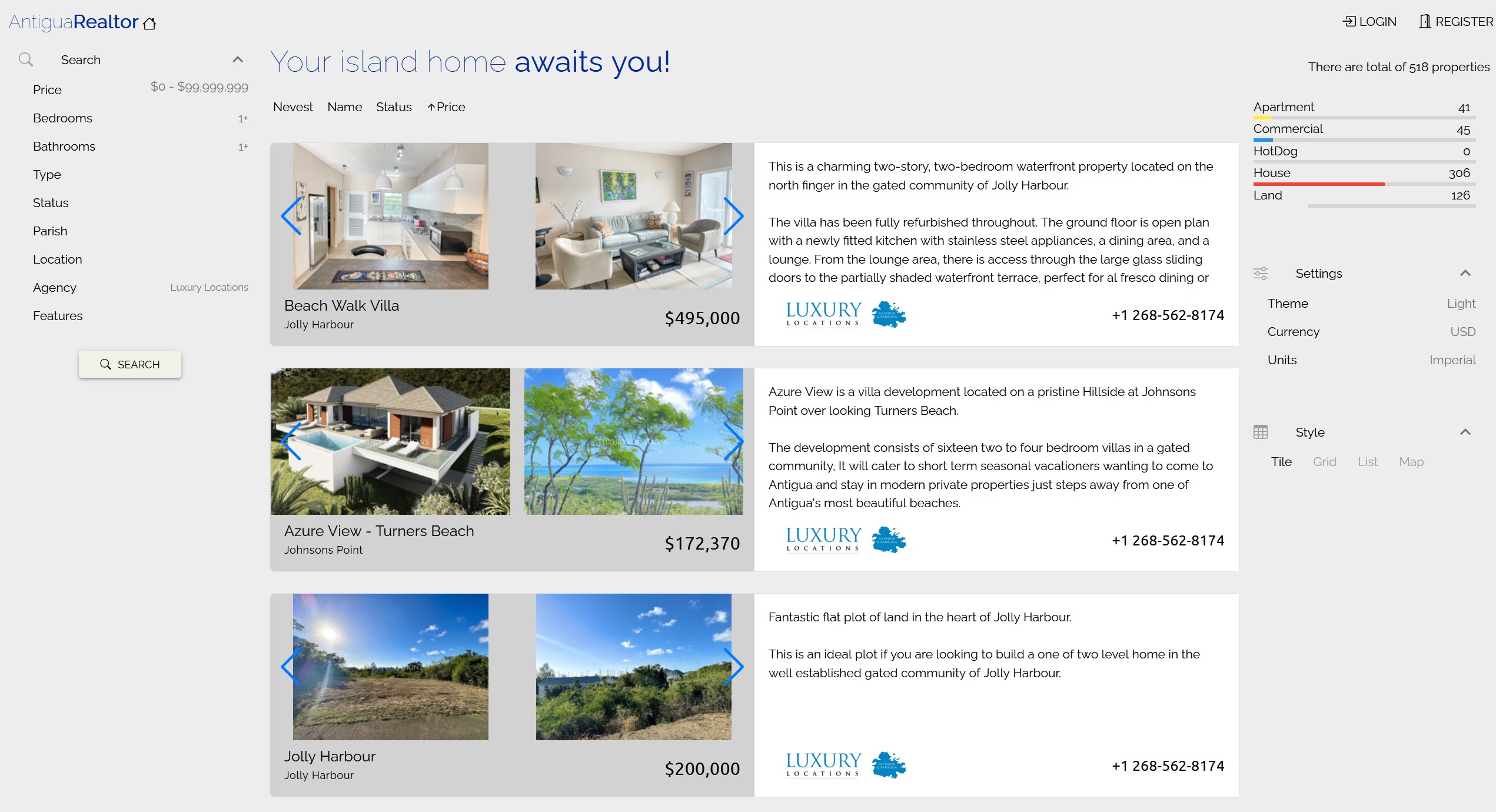
- Colorful
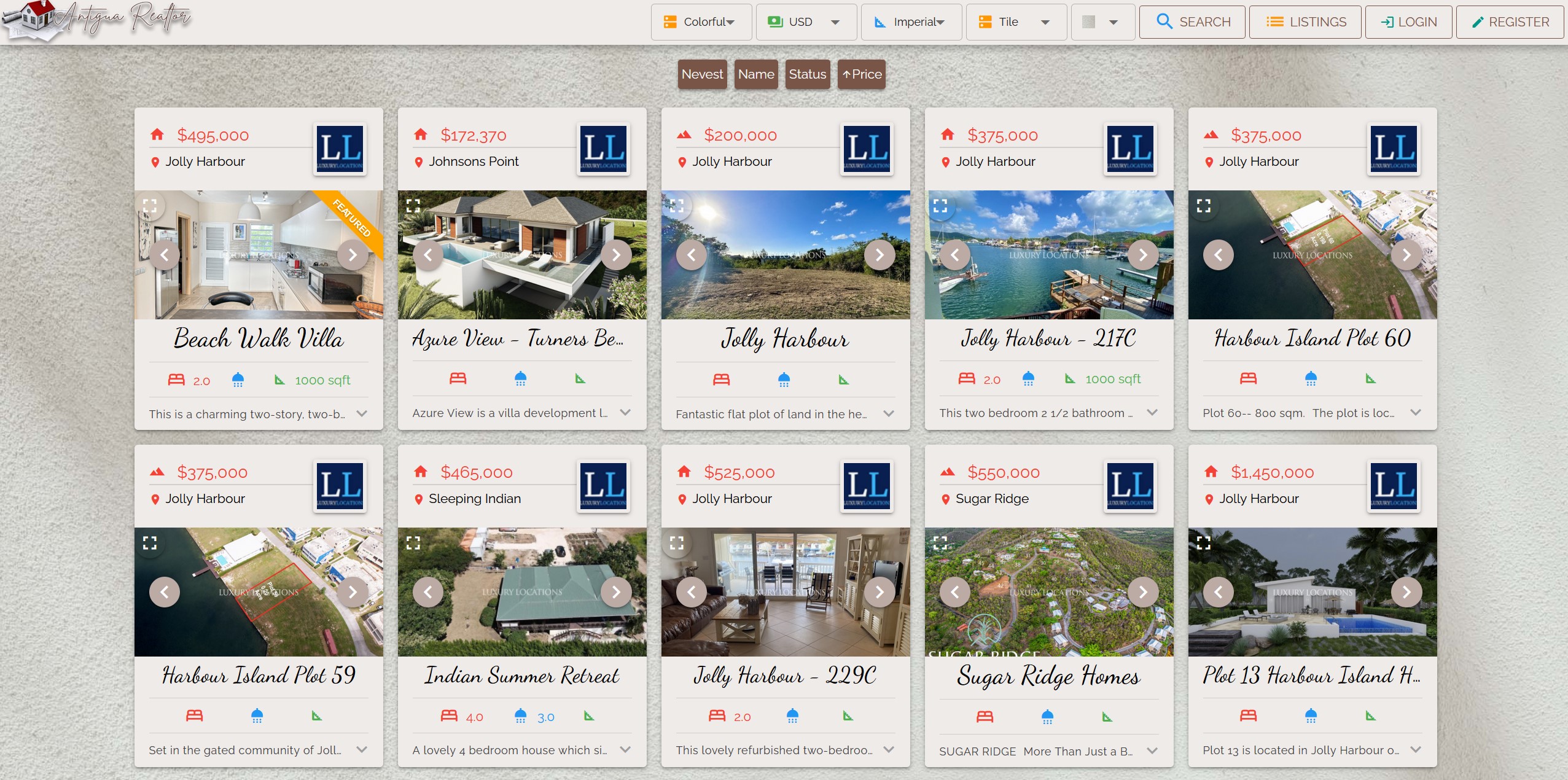
Depending on the choosen theme, location of settings and styles are diferent.
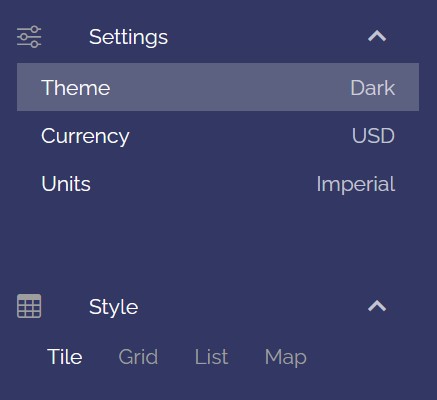
Dark and Light Themes
Settings and Styles are located on the right side of the screen.
| Dark Theme | Light Theme |
|---|---|
 |  |
Colorful Theme
Settings and Styles are located on the top of the screen.

Currency
There are four diffent currencies to choose from:
- EC (Eastern Caribbean Dollar)
- USD (United States Dollar)
- GBP (British Pound)
- EUR (Euro)
Units
There are two units to choose from:
- Imperial (Feet and Yards)
- Metric (Meters and Ares)
Styles
Dark/Light theme:
- Tile
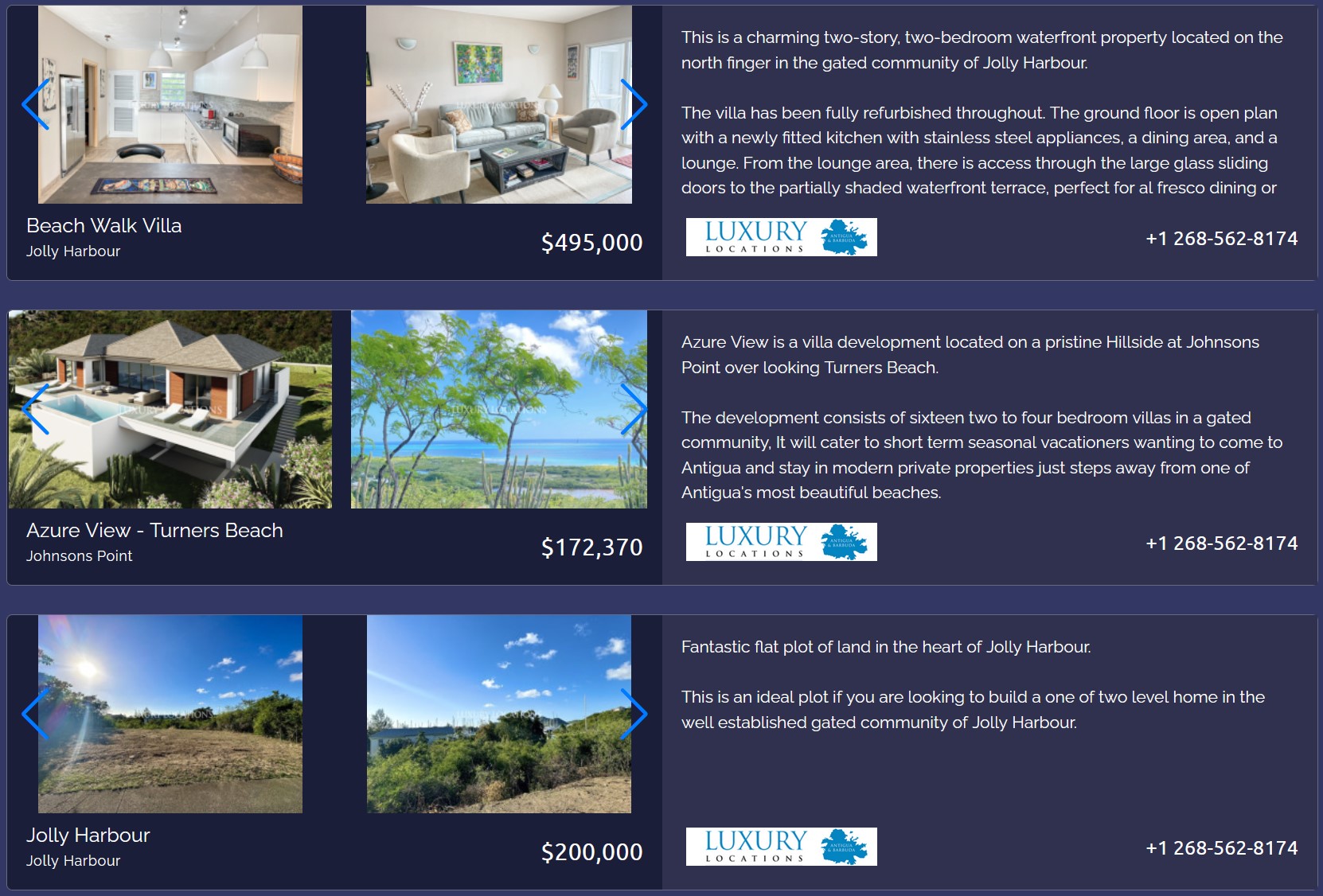
- Grid
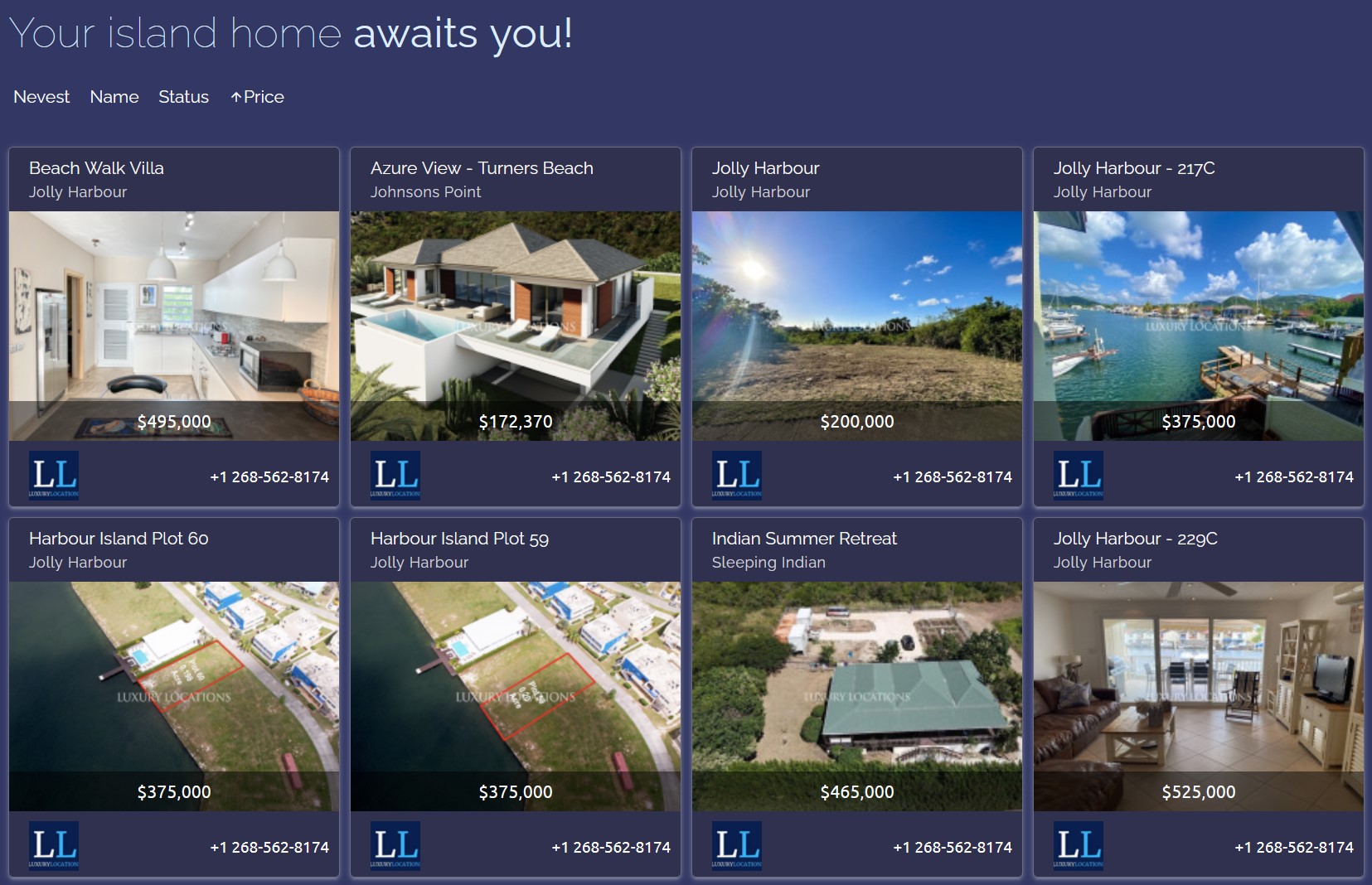
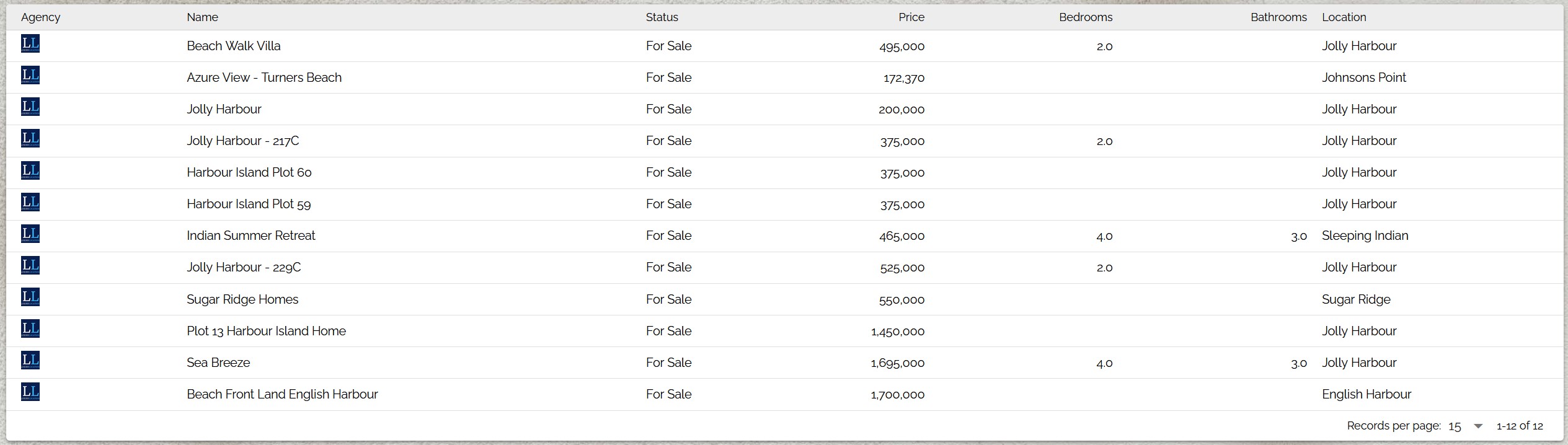
- List
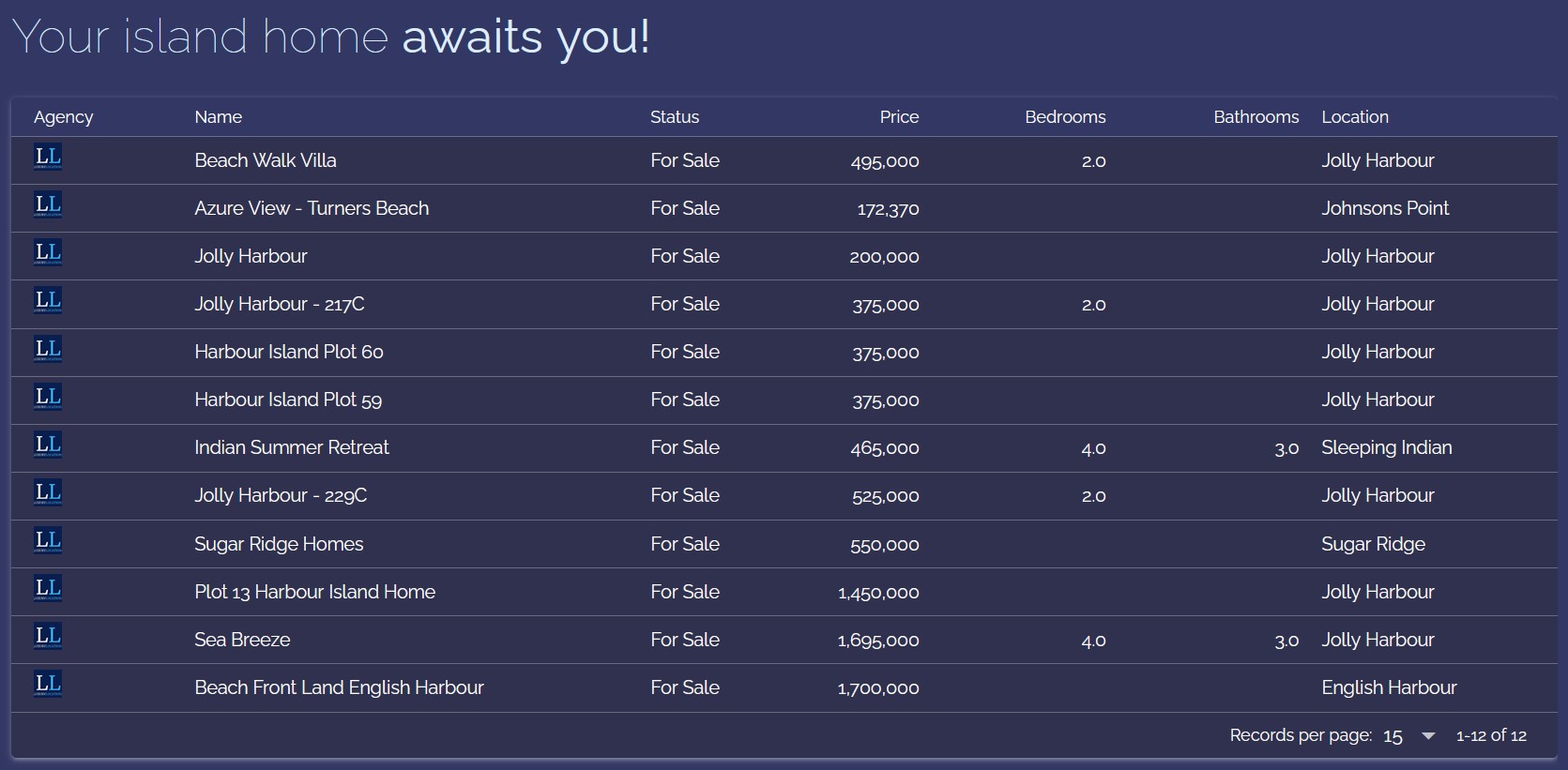
- Map
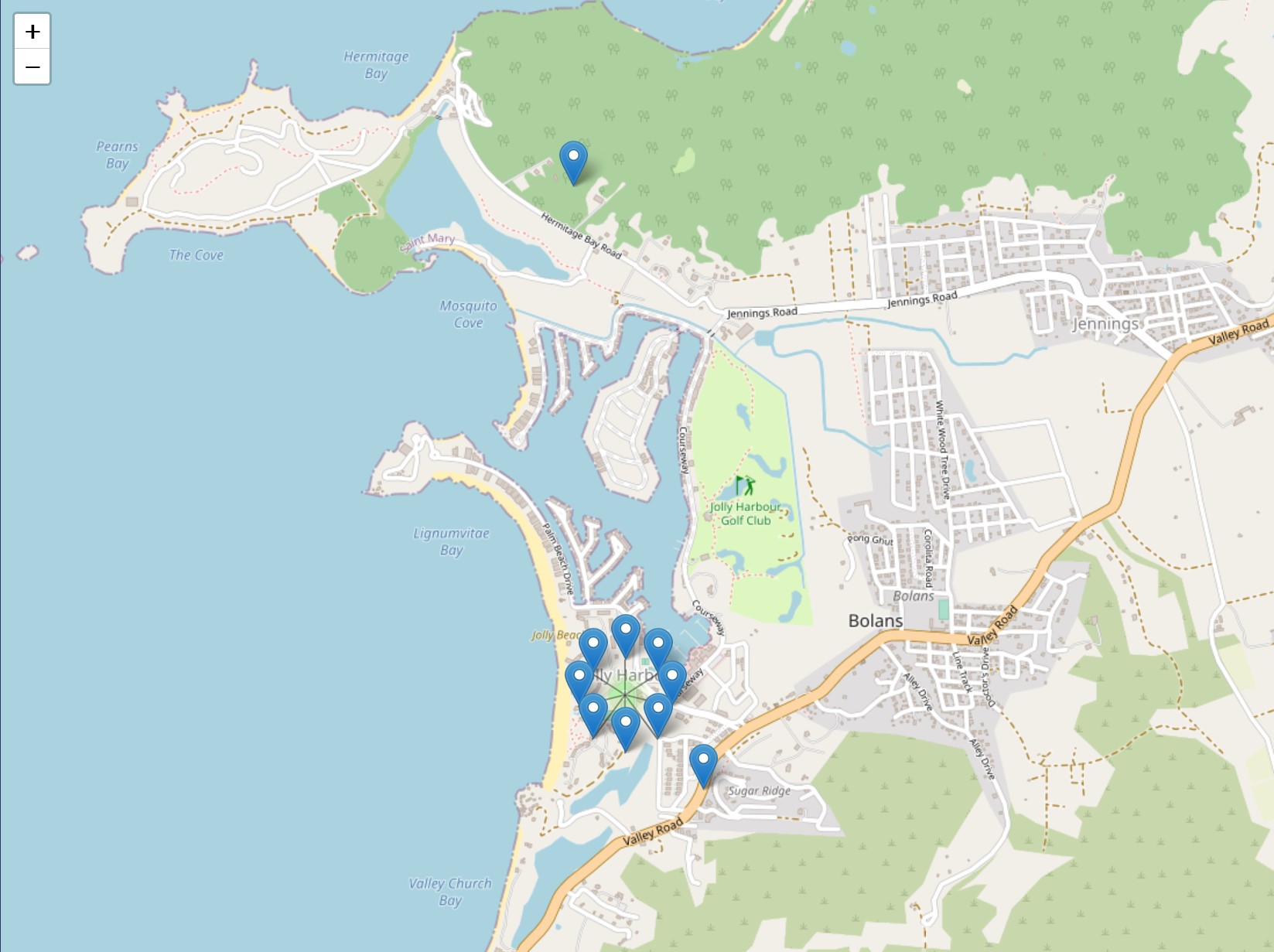
Colorful theme:
- Grid
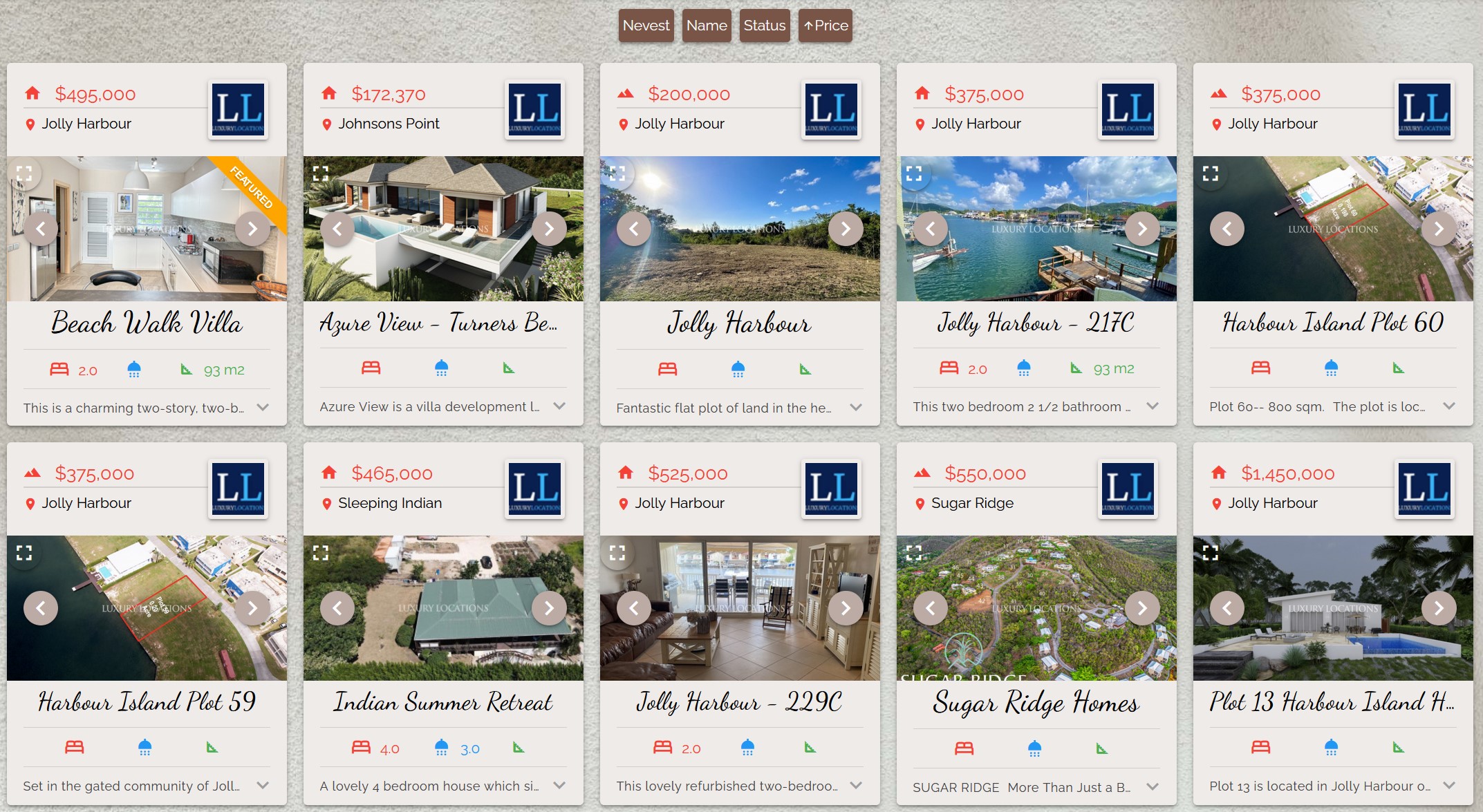
- List
- Map
In addition, Colorful theme allows background change: 