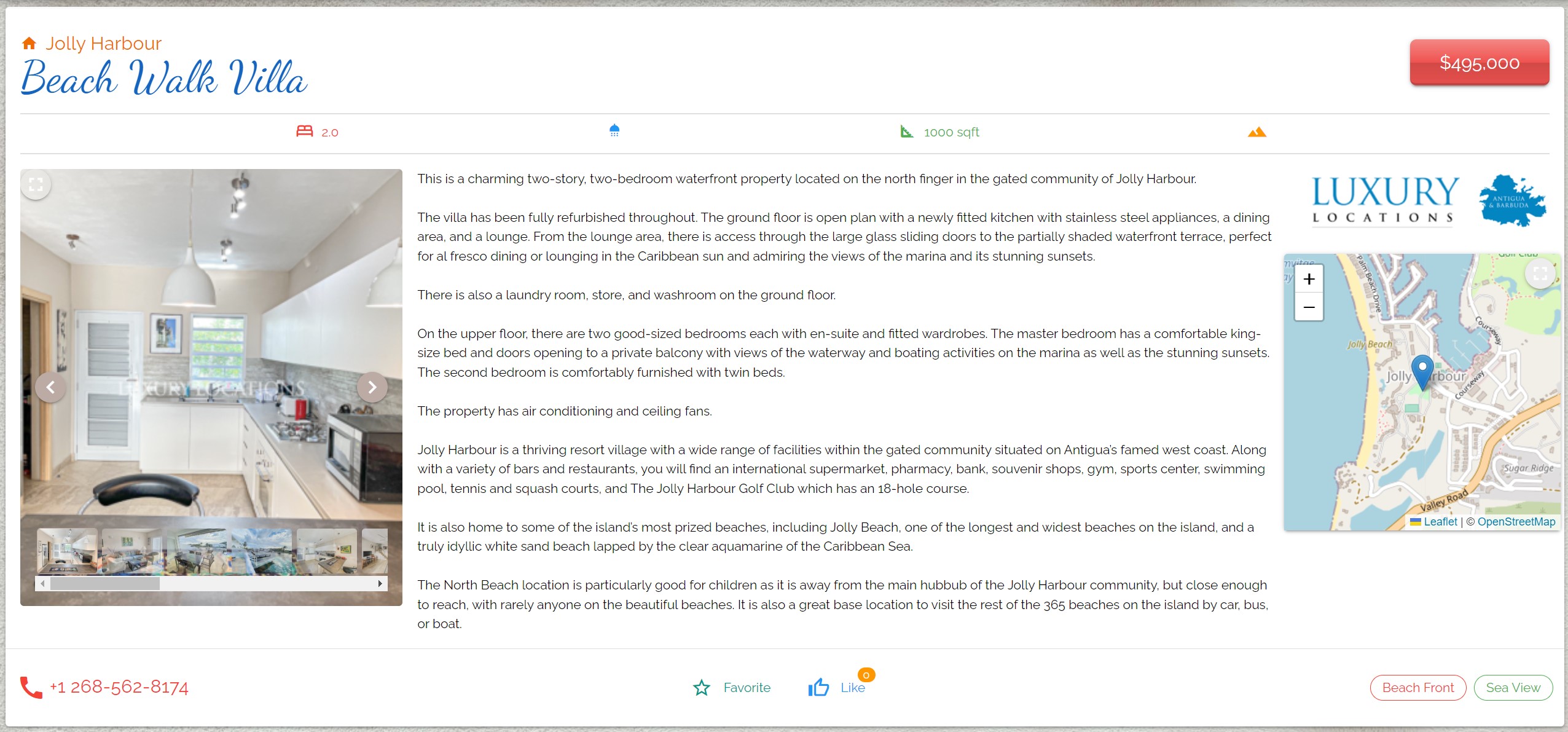
Appearance
Browse
Dark/Light Themes
Tile
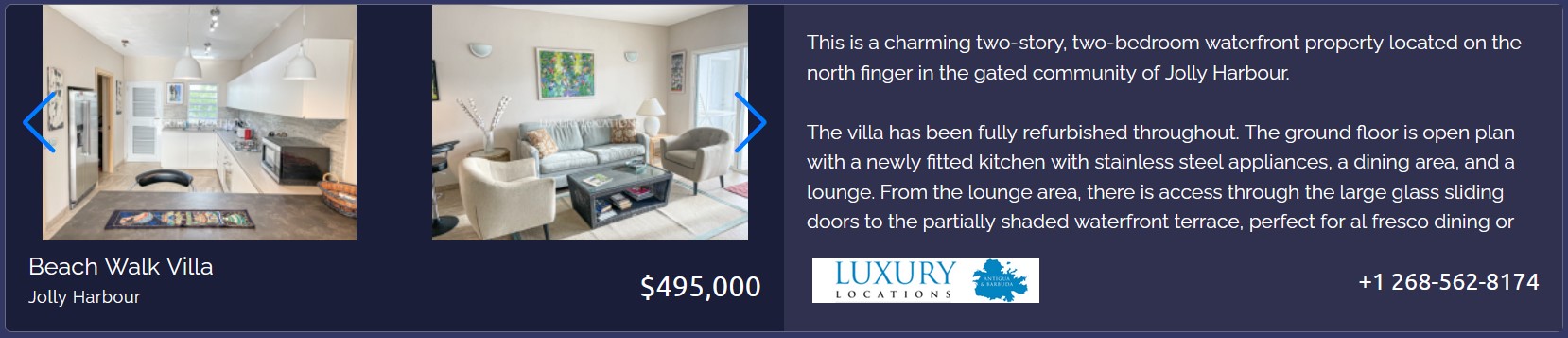
Arrow icons located in the pictures corners will navigate through image gallery. Clicking on image opens image gallery in full mode.
Clicking on agency logo will take you to the original listng.
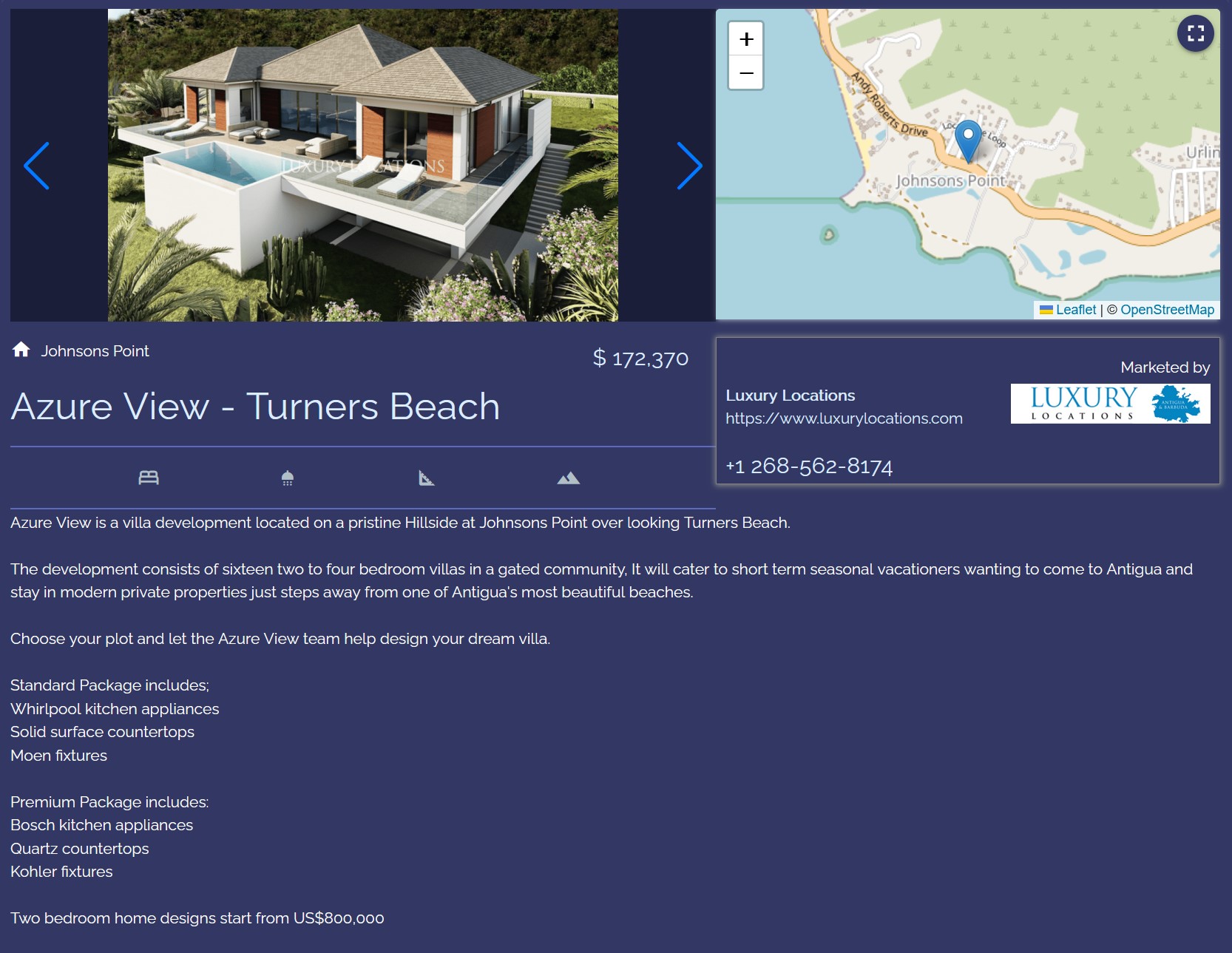
To see property details click on any other part of the listing:
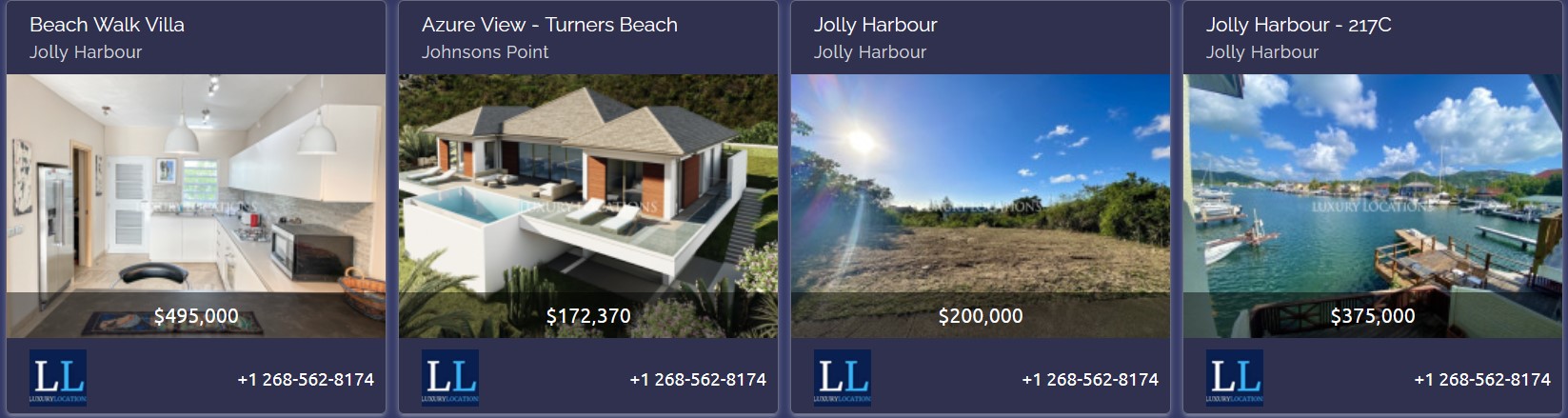
Grid
List
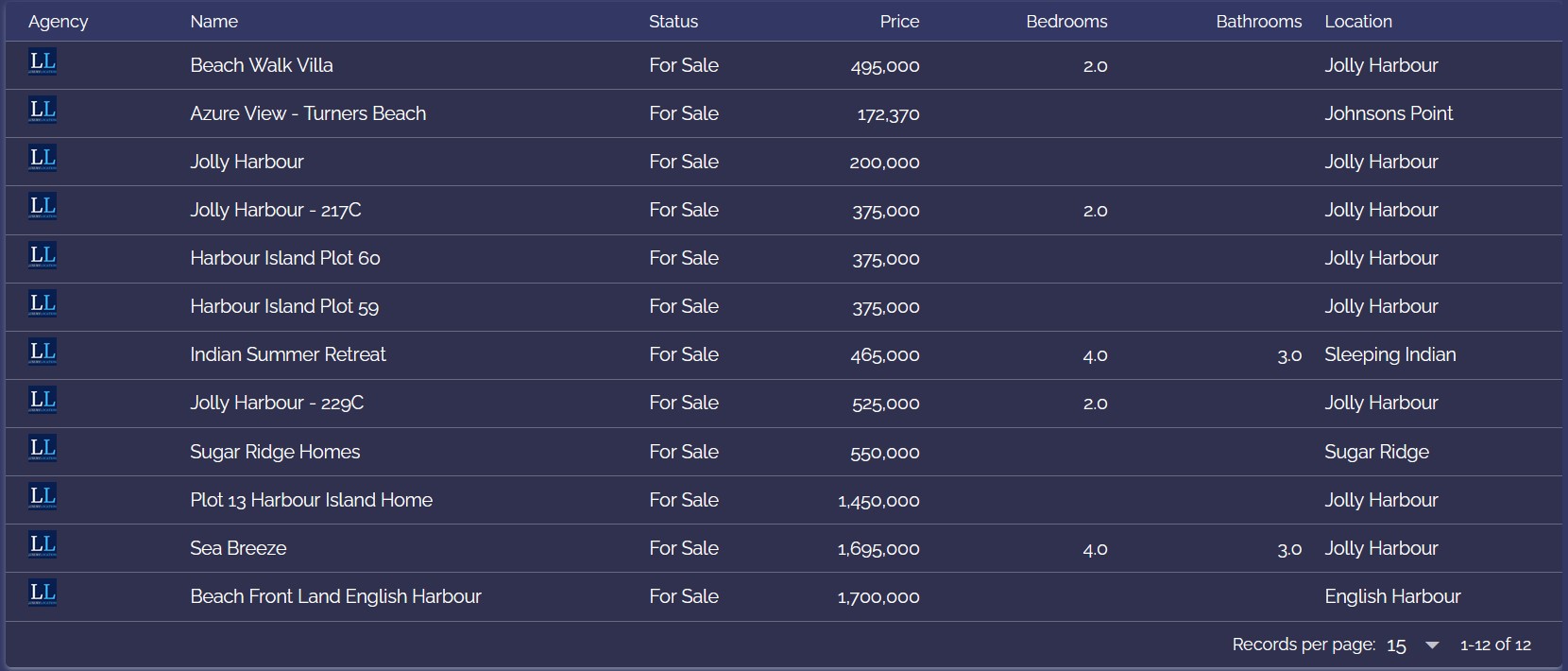
Lists allow users to select number of listings shown in the page.
Map
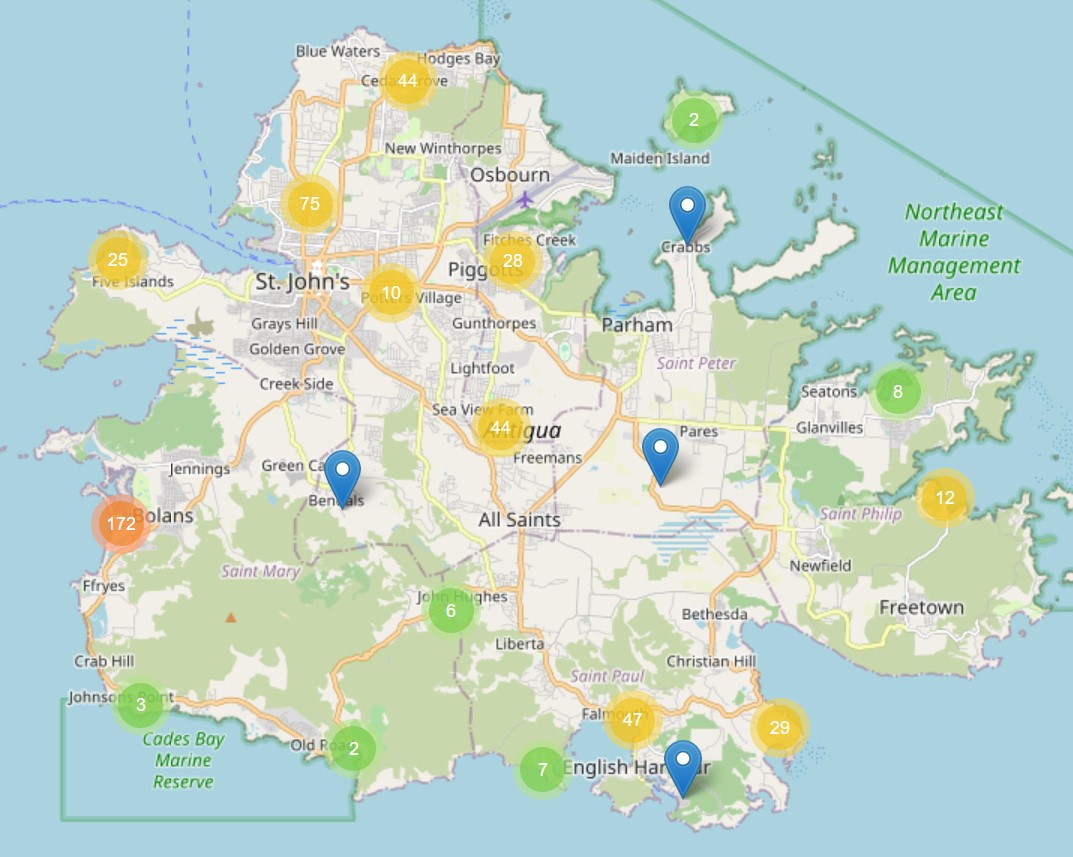
Pins on the map represent property or group of the properties:
- Red pin represent that there is over 100 properties nearby
- Orange represent nearby locations with 10 to 99 properties
- Green are locations with up to 10 properties
- Blue pins represent single property
Hovering over pins that represent multiple properties will draw area of locations of the properties, while click will zoom into the area: 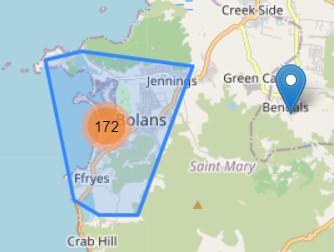
Howering over blue pin will show property name, while click will open pop-up with the property details.
Colorful Theme
Grid
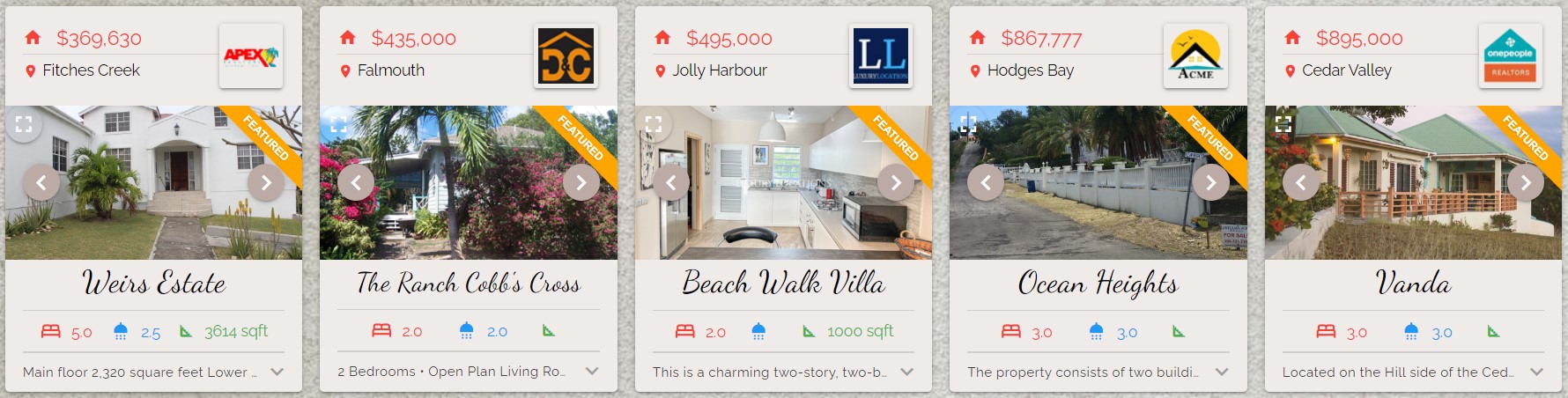
Using arrows over the pictures user can navigate through image gallery. Clicking on image will open image gallery in full mode.
Clicking on agency logo will take you to the original listng.
To see property details click on any other part of the listing: